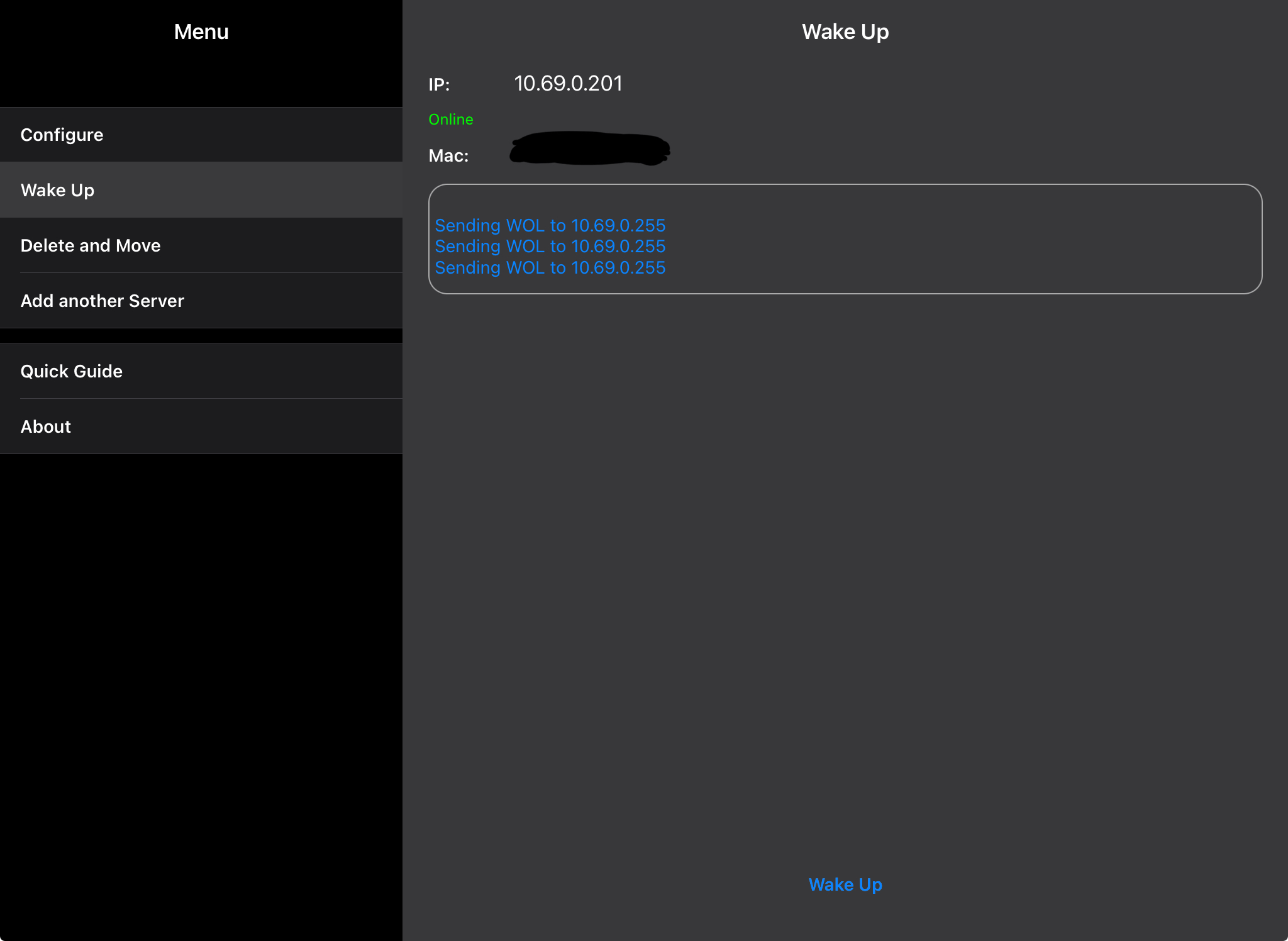
Note! This works on Fedora 39 and older. It should work on Fedora 40 too, I’ll update this if it does not work on Fedora 40 -Darren
Fedora / Machine Setup
First of all besure to enable WOL in BIOS/UEFI
Second step, check if Wake on Lan is enabled via ethtool
1sudo ethtool interface
It should show something like this if it’s enabled,
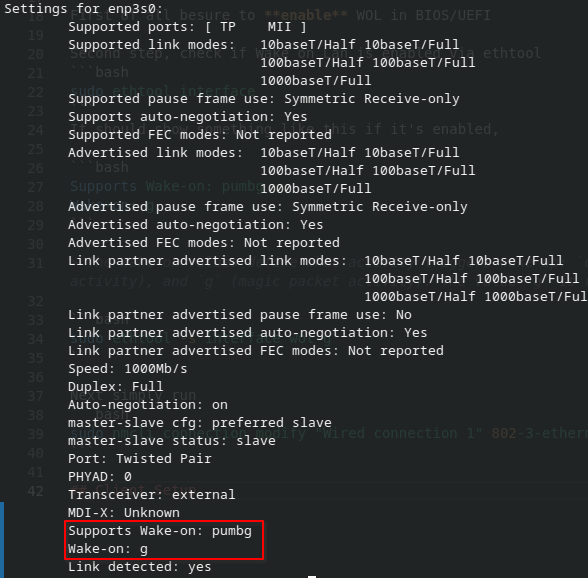
1Supports Wake-on: pumbg
2Wake-on: g
The Wake-on values define what activity triggers wake up:
d(disabled),p(PHY activity),u(unicast activity),m(multicast activity),b(broadcast activity),a(ARP activity), andg(magic packet activity). The valuegis required for WoL to work, if not, the following command enables the WoL feature in the driver
1sudo ethtool -s interface wol g
Next simply run
1sudo nmcli connection modify "Wired connection 1" 802-3-ethernet.wake-on-lan magic
Now reboot, and test it!
Client Setup
For me since I use IOS, I use Mocha WOL; Pretty simple and clean app. Love it.
Download it here: apps.apple.com/gb/app/mocha-wol/id422625778
Once downloaded, simply enter your IP & MAC,
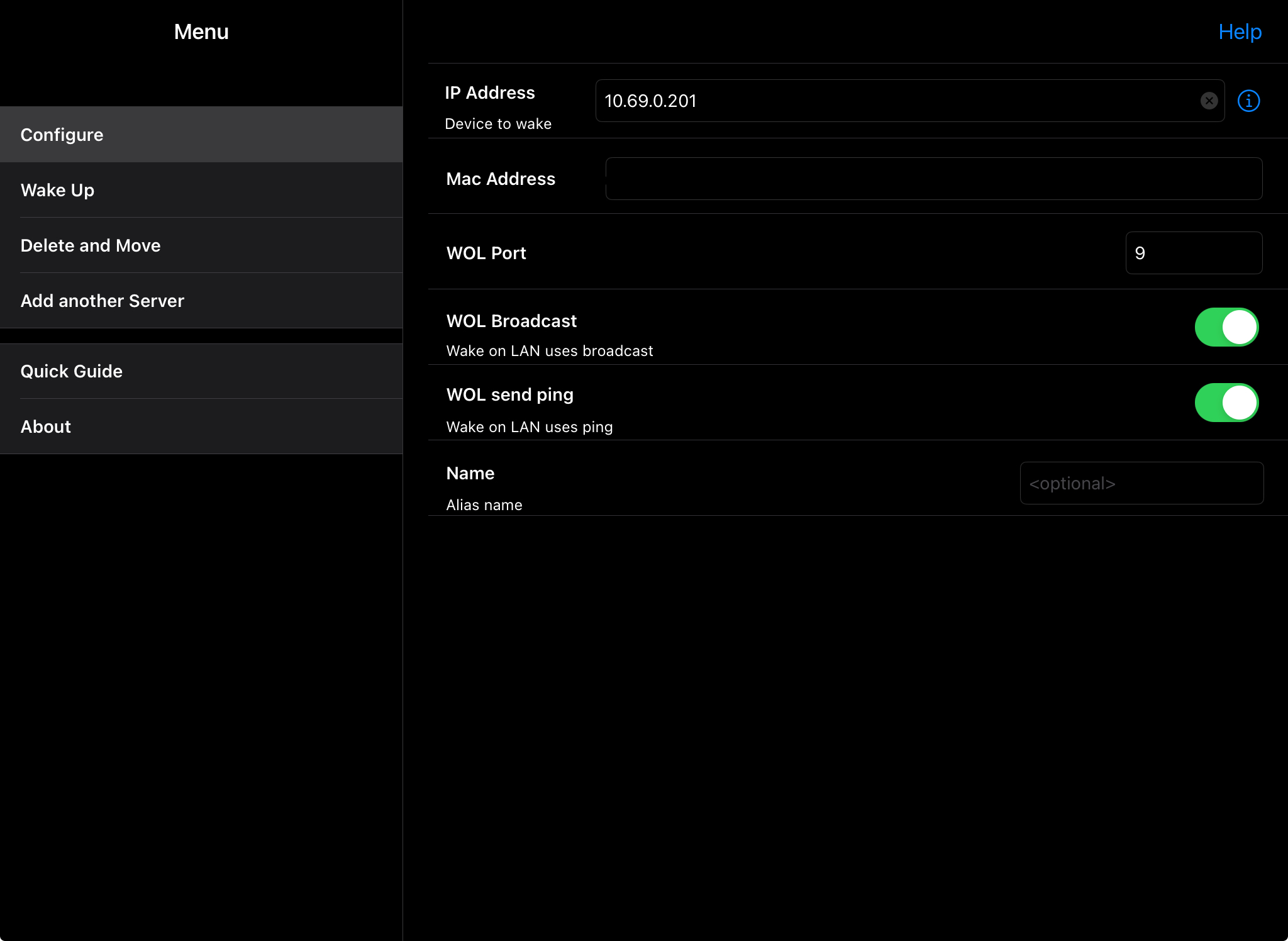
Then, bam! it works!